Max for Live devices are plugins for Ableton Live, built with Max.
All 13 devices on this page are free to download, but please don't redistribute them without permission.
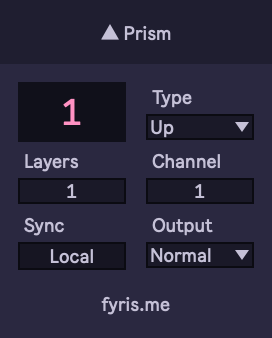
Prism: Creative MIDI Router
Prism splits incoming MIDI data across channels in various ways, including across multiple tracks. Use it to create complex hockets, distribute notes to different tracks based on velocity, or generate sequenced velocity patterns.
Prism uses two devices that communicate across tracks, assign as many listener instances as you like to a single channel for up to 16 prism networks running at a time.
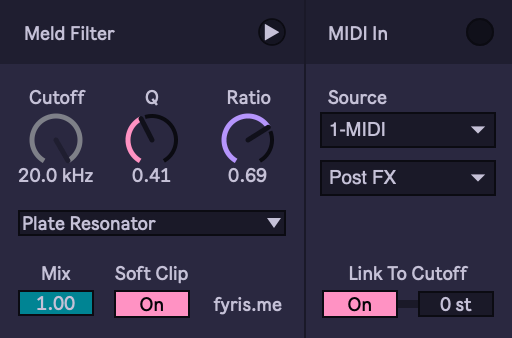
Meld Filter
The filter section from Live's Meld instrument, broken out into its own audio effect.
Featuring some niceties like a dry/wet control, soft clipper (useful for the resonator modes), and the ability to route MIDI notes to the cutoff frequency.
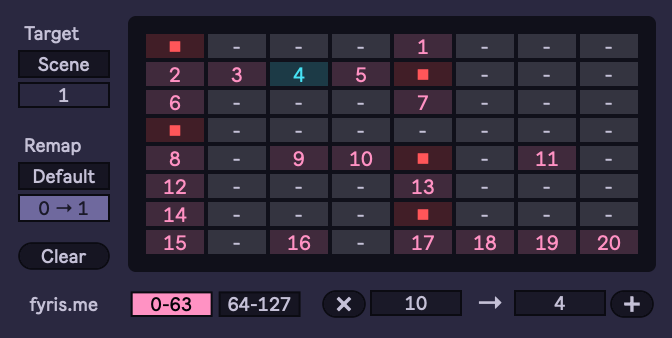
Program Launcher
Program Launcher fires slots or scenes in the session grid based on MIDI program change messages, making it easy to build sets that follow pattern changes from hardware sequencers.
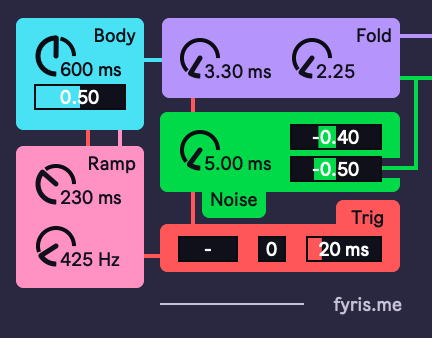
Drum 1: Minimal Analog Percussion
Drum 1 is a percussion synthesizer inspired by the analog donk machines of yesteryear.
Featuring a single sine and noise source, pitch and decay envelopes, wave folder, and a ratcheting amp envelope. Drum 1 is capable of minimal analog kicks, snares, claps, and bleeps.
Drum 2: Metal Clang Generator
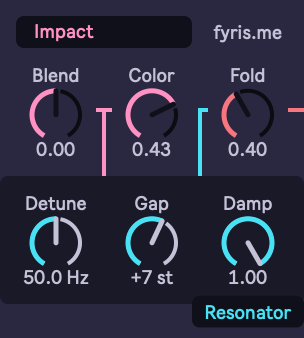
Drum 2 is a weird little metallic creature, good for freaky cymbals and clanks.
Based on an exciter + triple resonator model that responds strongly to note velocity.
Beat Jump
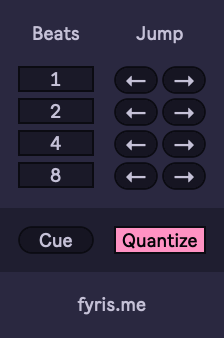
Replicates the beat jump buttons found on DJ decks. Four sets of forward and back buttons with configurable beat count for each, and also has a cue button that restarts the current clip with optional quantization.
Note: Beat jumps may be delayed while Live loads the audio at the new position from disk, this can be fixed with the RAM switch on audio clips.
MD Alert
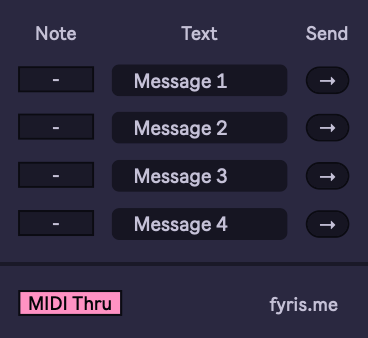
MD Alert sends sysex messages to a connected Elektron Machinedrum to display custom messages on it's screen.
Up to four messages can be bound to different MIDI note triggers, or the send buttons can be automated. Useful for performance cues and reminders during live sets.
Crossroute: Effect Chain Crossfader
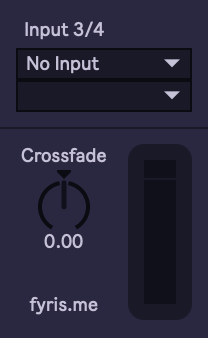
Crossroute is a crossfader between the audio flowing through an effects chain, and an external audio source routed from elsewhere in Live.
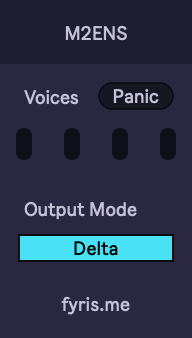
M2ENS: Monomachine Ensemble Controller
Controls an ensemble synth on the Elektron Monomachine from a polyphonic MIDI stream.
A transfer mode can be enabled to optimize for recording a sequence from Live into the Monomachine's internal sequencer.
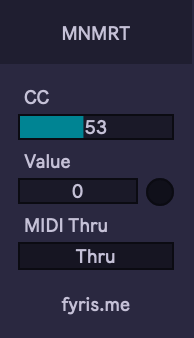
MNMRT: Monomachine Retrig Controller
Designed to control the retrig time parameter on the Elektron Monomachine using MIDI notes. Converts incoming notes into their frequency in Hz and sends that value to a selected MIDI CC.
Probably only useful for the Monomachine, but who knows :)
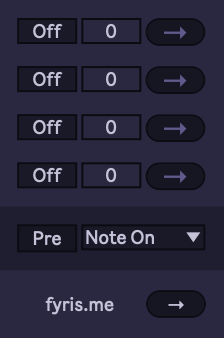
Note Extras
Attaches CC or program change messages just before or after note on or off messages.
Useful in a MIDI rack for sending different patch data to a hardware synthesizer based on which note range is played.
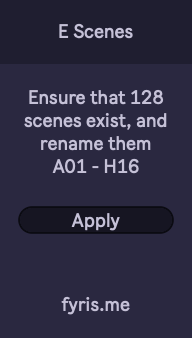
E Scenes
Format your session view to reflect the Elektron workflow.
Creates up to 128 scenes if they don't already exist, and then renames them A01 through H16 to match Elektron's pattern numbering.
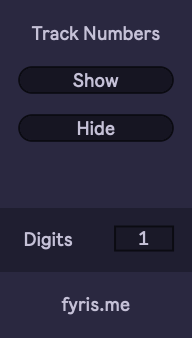
Numbers
A show / hide button for track numbers across your whole live set.
You can even pick how many digits! Woah!!!
Additional resources:
- My devices specifically designed for Elektron gear: M4L Elektron
- Documentation on the internal communication protocols of my devices: Implementation Notes